Xcode 27 changed the way you create new projects. Instead of the New Project Assistant, a window like the following window opens:
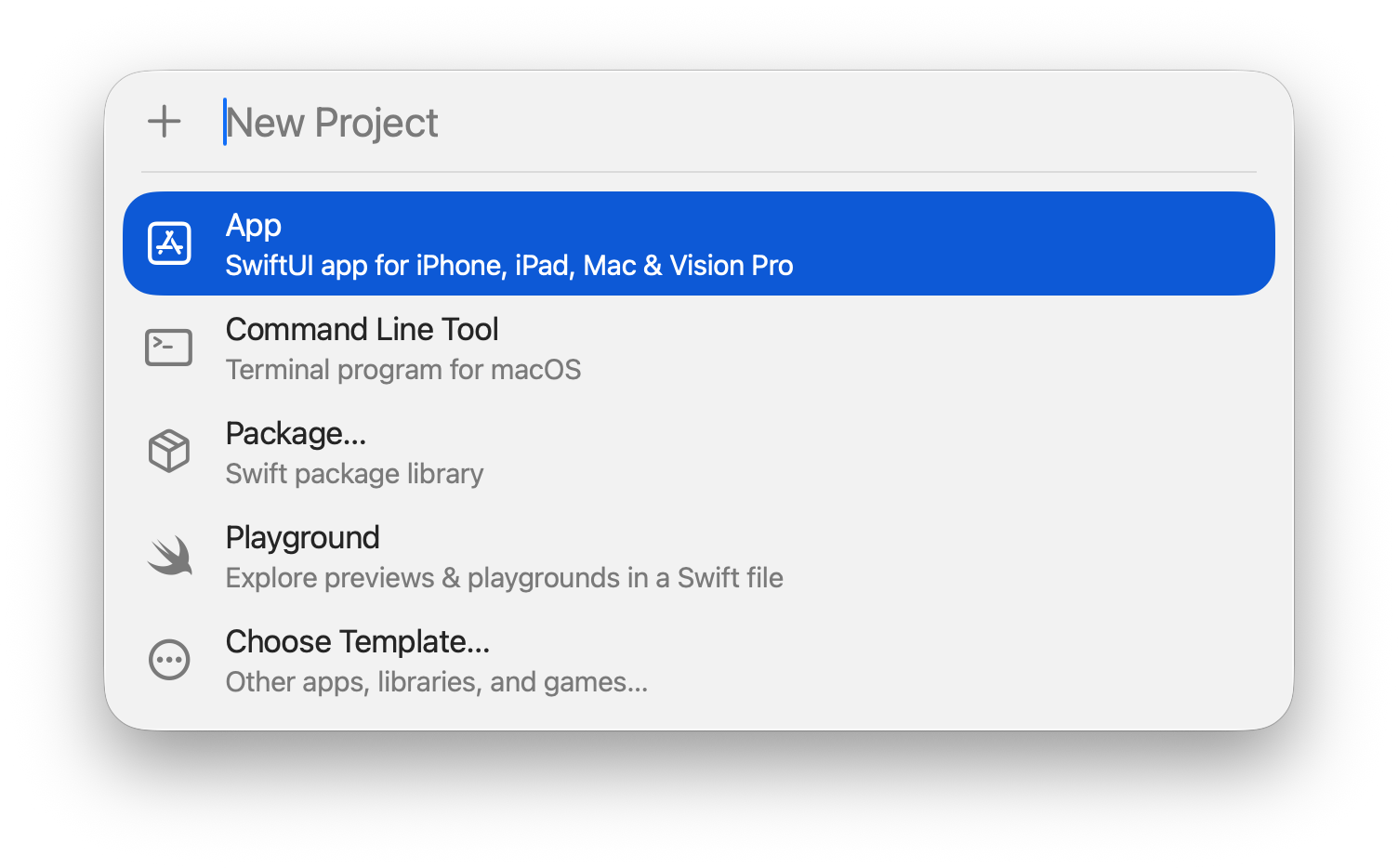
In most cases you should select Choose Template. Selecting Choose Template opens the New Project Assistant. Use the New Project Assistant to choose the type of project you want to create and name the project.
Selecting App or Command Line Tool creates an untitled project. Select an untitled project when you want to create a throwaway project for learning purposes. Untitled projects are stored in the following location:
~/Library/Developer/Xcode/UntitledProjects
I recommend changing the folder names of untitled projects. If you create multiple untitled projects, you will have a tough time finding a specific project in a list of folders titled Untitled Project, Untitled Project 2, and so on.
Selecting Playground creates an untitled Swift playground. Untitled playgrounds are stored in the following location:
~/Library/Developer/Xcode/UntitledFiles
Selecting Package opens an assistant to create a Swift package.